ON YOUR PHONE
PositiveSingles App on iPhone and Android
Find the app for your phone, explore its community features and understand the privacy and purchase options before you begin.
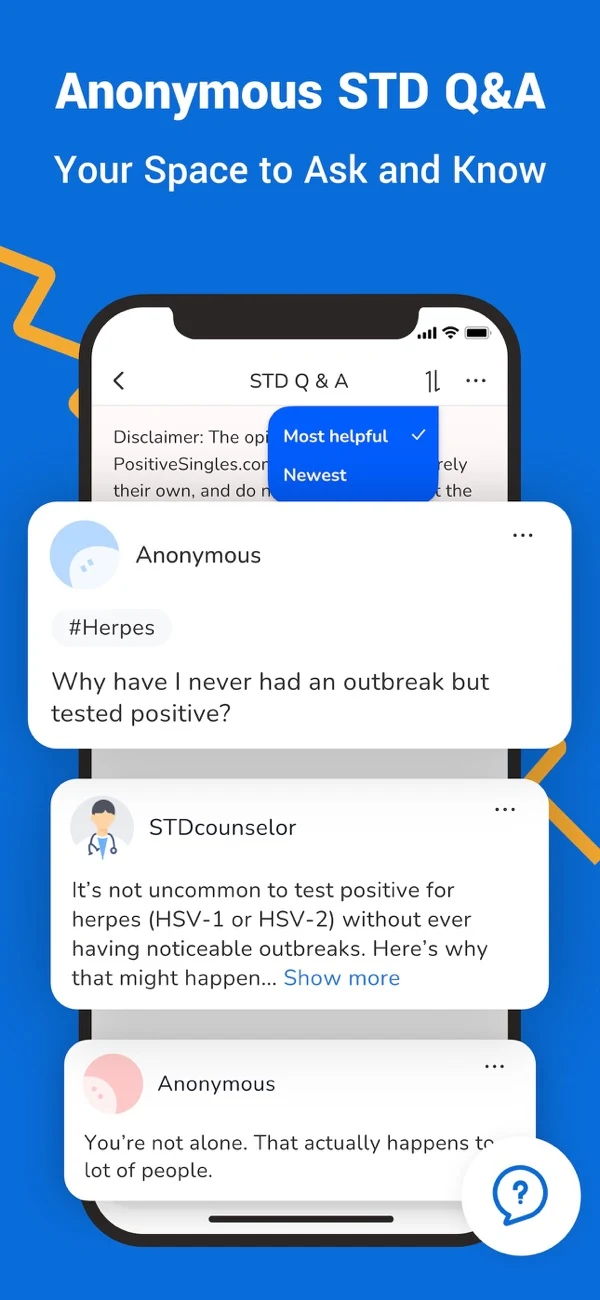
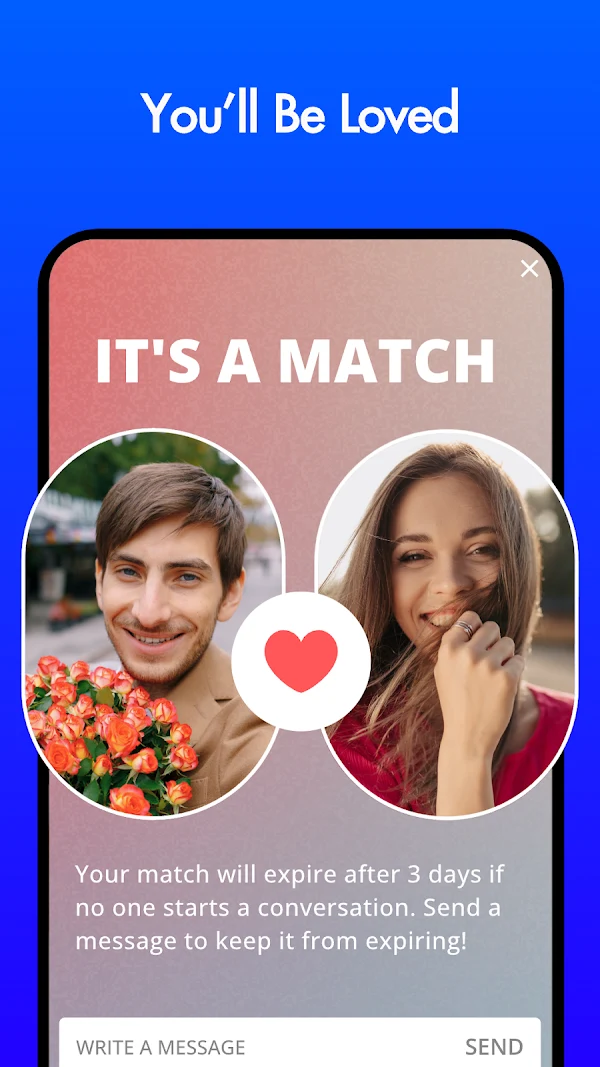
Official store promotional images. Screens and availability can change.
Check your device
Review current app compatibility.
Choose your settings
Think about privacy and notifications.
Stay with the service
Your account belongs to PositiveSingles.
TWO PLATFORMS. YOUR OWN PACE.
Find the app for your phone.
PositiveSingles is available on iOS and Android. Choose your device, explore the current store information and make a little room for conversation.
Available on the App Store
POSITIVE SINGLES DATING APP
PositiveSingles for iPhone and iPad
The UK App Store lists PS Support, Inc as the developer. The app is free to download, with in-app purchases.
- Device supportiOS 14.0 or later; iPadOS 14.0 or later on iPad.
- LanguagesEnglish, German and Spanish are listed.
- PurchasesOne-, three- and six-month purchases are listed. The UK store shows several prices, so use the offer displayed at checkout.
- PrivacyApple’s developer-provided label includes identifiers used for tracking and data linked to you. Read the App Privacy section before choosing what to share.
Available on Google Play
POSITIVE SINGLES: HERPES DATE
PositiveSingles for Android
The Google Play listing describes a community for adults living with herpes, HIV, HPV and other STIs, with in-app purchases.
- Find peopleSearch using your chosen criteria and explore member profiles.
- Join a conversationCommunity blogs and a chat room offer ways to take part.
- Choose photo accessPrivate albums let you authorise who can view those photographs.
- Protect accessThe listing describes a pattern lock. Google Play also states that data is encrypted in transit and deletion can be requested.
Official Apple and Google Play listings checked 10 September 2026. Feature access, purchases and compatibility may vary by device, region and membership. This website is for adults 18+.
What can you do without a subscription?
The app download is free; that does not mean every feature is included. In a public Google Play support reply, the developer says Standard members can reply to messages from Premium members. Check the current membership screen before paying or relying on a particular messaging option.
Source: Google Play description and developer replies. Replies checked 10 September 2026.
Your search area is not a contact restriction
In a Google Play support reply, the developer explains that search preferences can focus on an area but do not create a state-only restriction on who can contact you. Treat search results and visibility controls as separate settings. Use the profile privacy guide when deciding what to make public.
Keep the purchase and account decisions separate
For Apple purchases, the listing says subscriptions renew automatically unless renewal is turned off at least 24 hours before the current period ends. Manage purchases through the account used to pay. Before confirming any subscription, read the price, billing period and renewal terms shown on your device.
BEFORE YOU TAP DOWNLOAD
A few things you might be wondering.
Clear answers about the app, your account and the choices that stay with you.
All community FAQsYes. PositiveSingles has an iOS listing in the UK App Store and an Android listing on Google Play. Choose the store for your device and confirm that the listing is available for your account and region. The store will show whether your device is supported.
Both store listings describe a free download with in-app purchases. Downloading the app does not mean every membership feature is free. Check the current price, included features, subscription period and renewal terms before confirming a purchase.
Start with the sign-in option in the app if you already have a PositiveSingles account. If access fails, use the service’s account recovery or support route before creating another profile. This information website does not hold your login details or member messages.
Check the operating system requirement shown in your device’s store and whether a supported system update is available. If the app cannot be installed, you can review the PositiveSingles website in your mobile browser. Avoid installation files sent by strangers or downloads from an unfamiliar source.
Review notification settings on your phone and any notification choices offered within the app. Choose whether alerts or message previews appear while your device is locked. These settings affect what someone nearby can see; they do not change who can view your dating profile.
Check your receipt to identify the provider that billed you. For a purchase billed by Apple or Google Play, follow Apple’s subscription instructions or Google Play’s subscription instructions. For a purchase billed directly by PositiveSingles, follow the service’s billing instructions. Removing an app from your phone is not the same as cancelling a subscription.
Uninstalling an app removes it from that device; do not treat it as confirmation that your member account has been deleted. Follow PositiveSingles’ account closure instructions and review its explanation of retained information. Handle any active subscription separately.
Use the account support route for help with PositiveSingles. Include a concise description and the relevant date, but never send your password or an unnecessary health document. For concerns about another member, use the reporting tools available in the service and read our safety guidance.
AT YOUR OWN PACE
A little perspective before you begin.
Browse the questions that can help you decide.
Explore the FAQs